

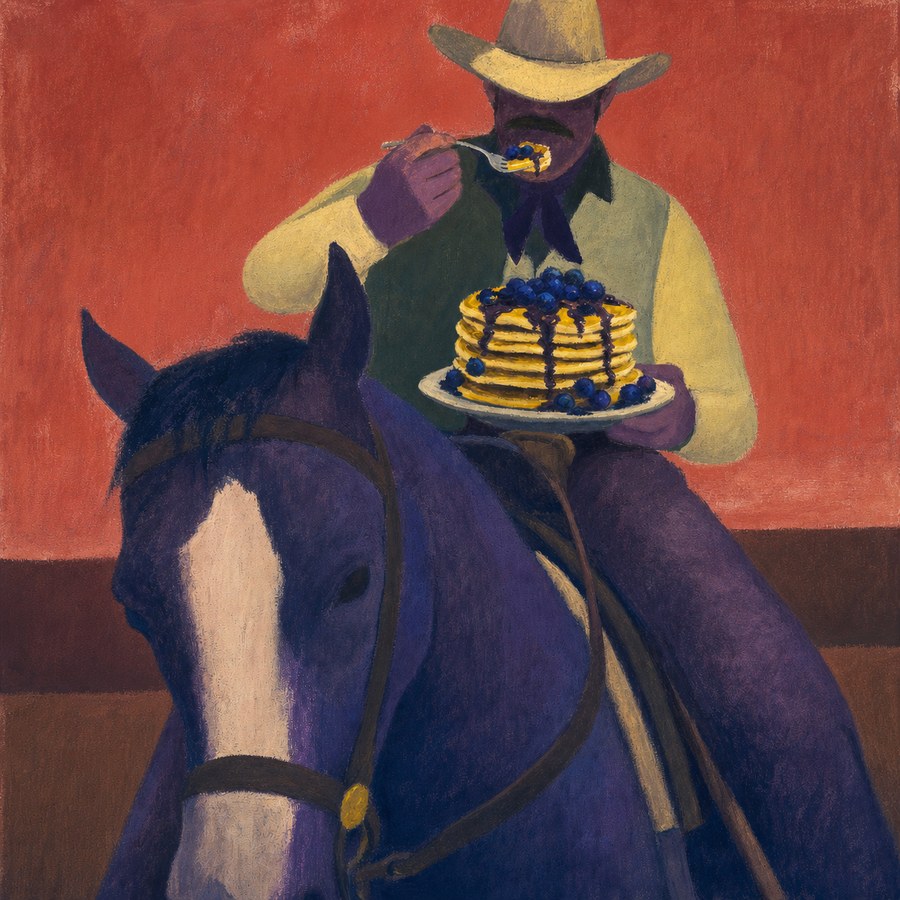




01 Try ideas as you find them
See a reference, select it in place, and test the idea before the moment passes. Trying another direction stays fast and low-friction.
Select reference images directly on Pinterest, Instagram, Behance, and other visual sites, then generate beside them—without saving files, switching to a separate AI tool, or rebuilding your boards.

From inspiration to your next idea
Select a few references. Add a subject. Make it yours.
In Your references
 behance.net

Out Your generation

A girl with a bob haircut
In Your references
 pinterest.com

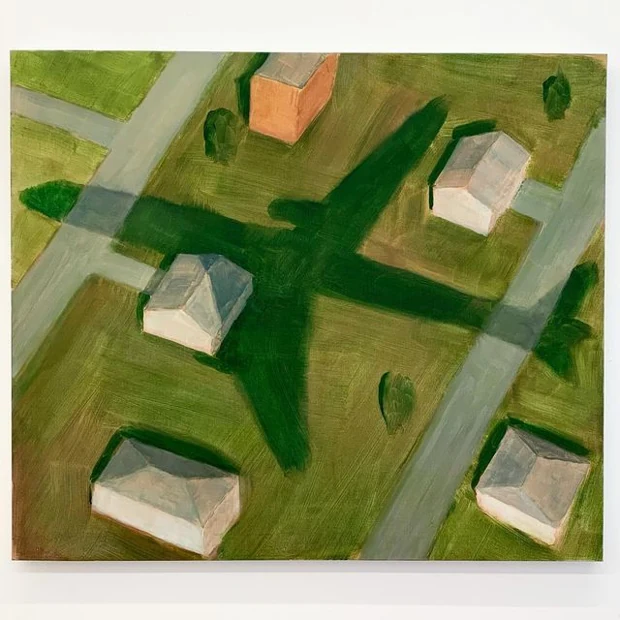
Out Your generation
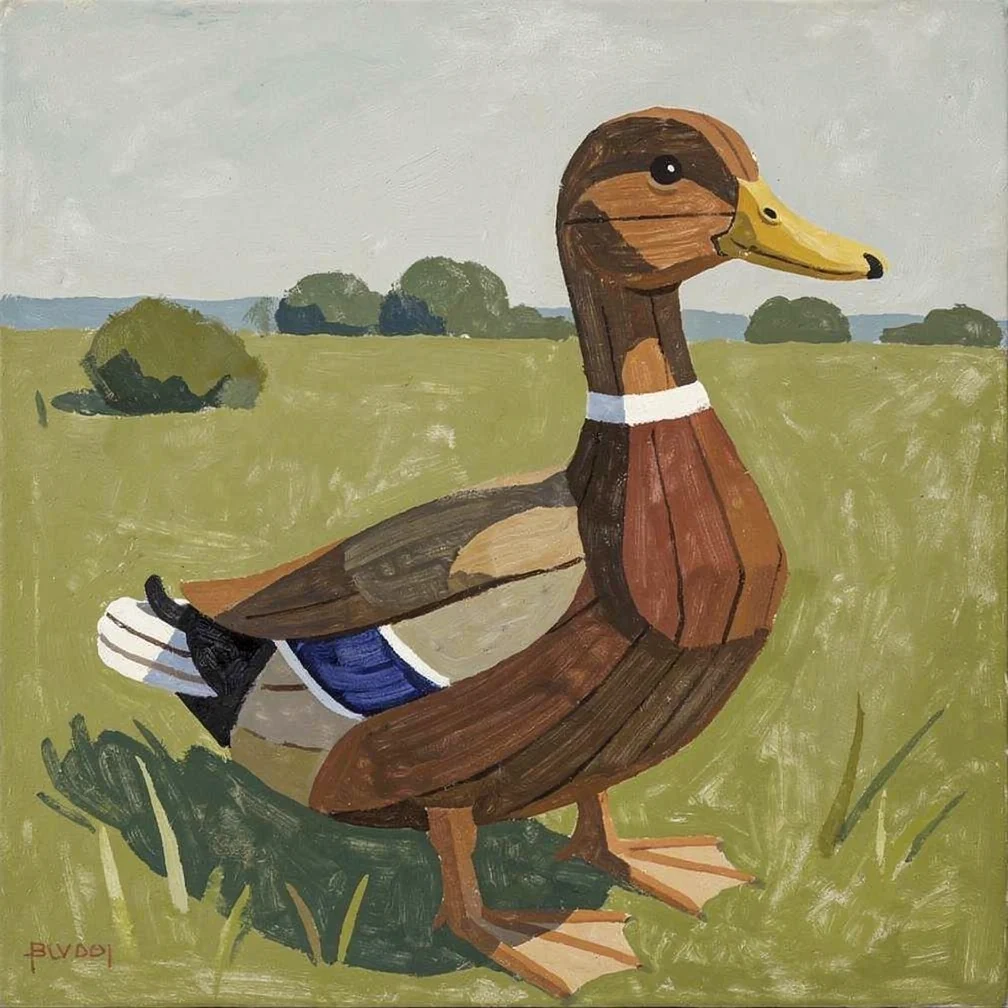
A wooden duck in a field
In Your references
 instagram.com



Out Your generation

Floating down a river
In Your references
 google.com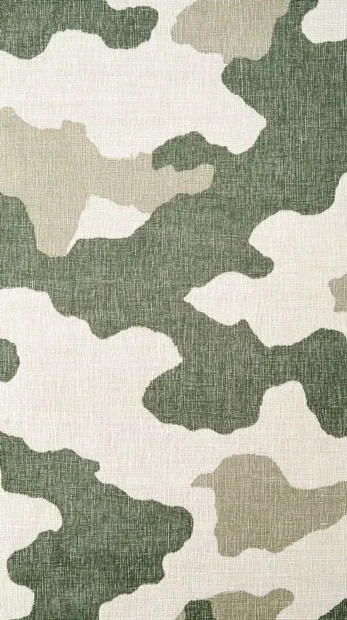


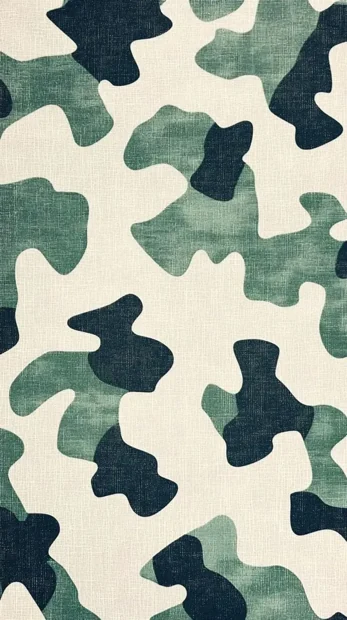
Out Your generation
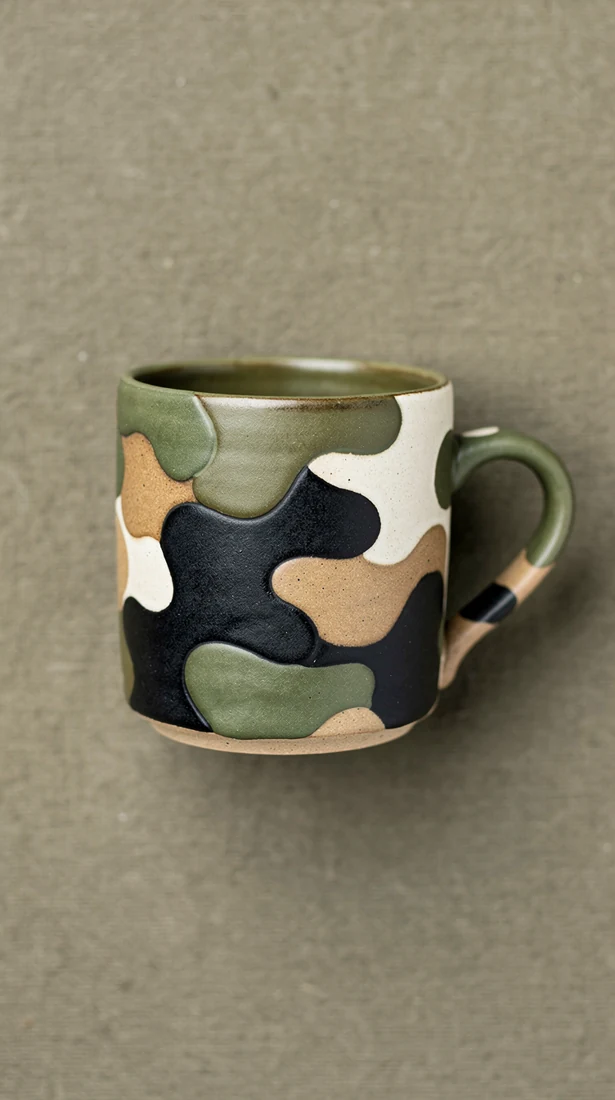
A camouflage mug
Conventional AI workflows make you save or copy a reference, leave the site, upload it somewhere else, prompt, then return to your research. Tack keeps discovery, generation, and reaction in one continuous loop.
See a reference, select it in place, and test the idea before the moment passes. Trying another direction stays fast and low-friction.
Keep the source, surrounding imagery, and generated result side by side so you can compare, react, and adjust.
Use the Pinterest boards, Instagram saves, and visual collections you already built as active creative ingredients.
Who Tack is for
Tack is built for designers, art directors, freelancers, and visual specialists exploring a direction before it is fully decided.
Explore visual worlds for a new brief
Test several directions before a review
Create from boards you already built

The designer behind Tack
Patrick is a longtime graphic designer and fine artist. He made Tack to solve a familiar frustration: finding a reference you love, then breaking your flow to save it, upload it, and start again in another tool.
Tack keeps inspiration and experimentation together, so you can spend more time following an idea and less time moving it between tabs.
Plans & pricing
Start free, then upgrade when you need more runs. Every plan includes the same core workflow: select references, describe a subject, and generate in that style.
Free
$0
3 before sign-in · 3 more with a free account
Pro
$12
per month · 120 generations
Studio
$35
per month · 600 generations
Choose how you use Tack




Follow Tack
Find us on Pinterest and Instagram.